
Most commercial spaces already have cameras. The usual complaint is not that there are none. It is that the ones that exist do not cover the doors that matter, the recording is not reliable, or no one can find the footage when it is needed.
A useful system answers three practical questions: what is visible, how long it is kept, and who can retrieve it. Offices, restaurants, hotels, showrooms, and inventory areas in Miami all need that clarity. Staff entries, public-facing areas, and after-hours access are different coverage problems.
Smart Home Studio designs and installs video surveillance as part of the commercial stack — cameras, storage, and access to the footage — often alongside the network, access control, and the control system that already runs lighting or rooms.
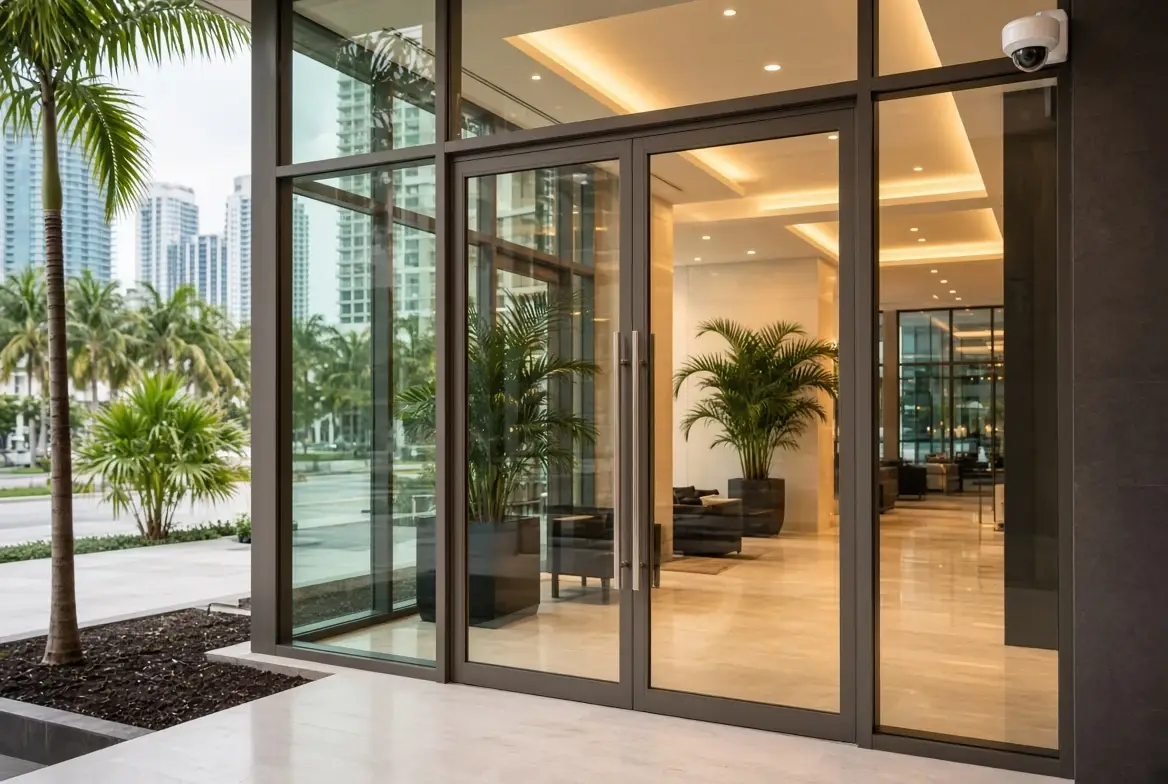
What a useful camera system actually does
A working installation covers the locations that matter and keeps the recording long enough to be useful:
- Entries and exits (staff and public)
- Inventory, cash, or restricted areas
- Common or high-traffic spaces
- After-hours activity that should be reviewable
It does not replace access control. A door event and a camera view of the same entry are more useful together than either one alone. It also does not replace a good network. Cameras and the recorder sit on it. A flat network that mixes guest Wi-Fi, the POS, and the cameras is a finding, not a design.
Coverage that fits the business
| Area | Typical need | Notes |
|---|---|---|
| Staff and service entries | Clear view of who enters and when | Pair with access control when possible |
| Inventory or back-of-house | Continuous recording of restricted spaces | Retention and retrieval matter more than resolution alone |
| Public or dining areas | Coverage of high-traffic zones | Placement avoids blind spots without creating a surveillance aesthetic |
| Exterior and parking | After-hours and approach | Weather-rated cameras and proper night performance |
The number of cameras is less important than whether the doors and areas that generate questions are actually covered. A system with twelve cameras that miss the staff entry is less useful than one with six that cover the right places.
Storage, retention, and retrieval
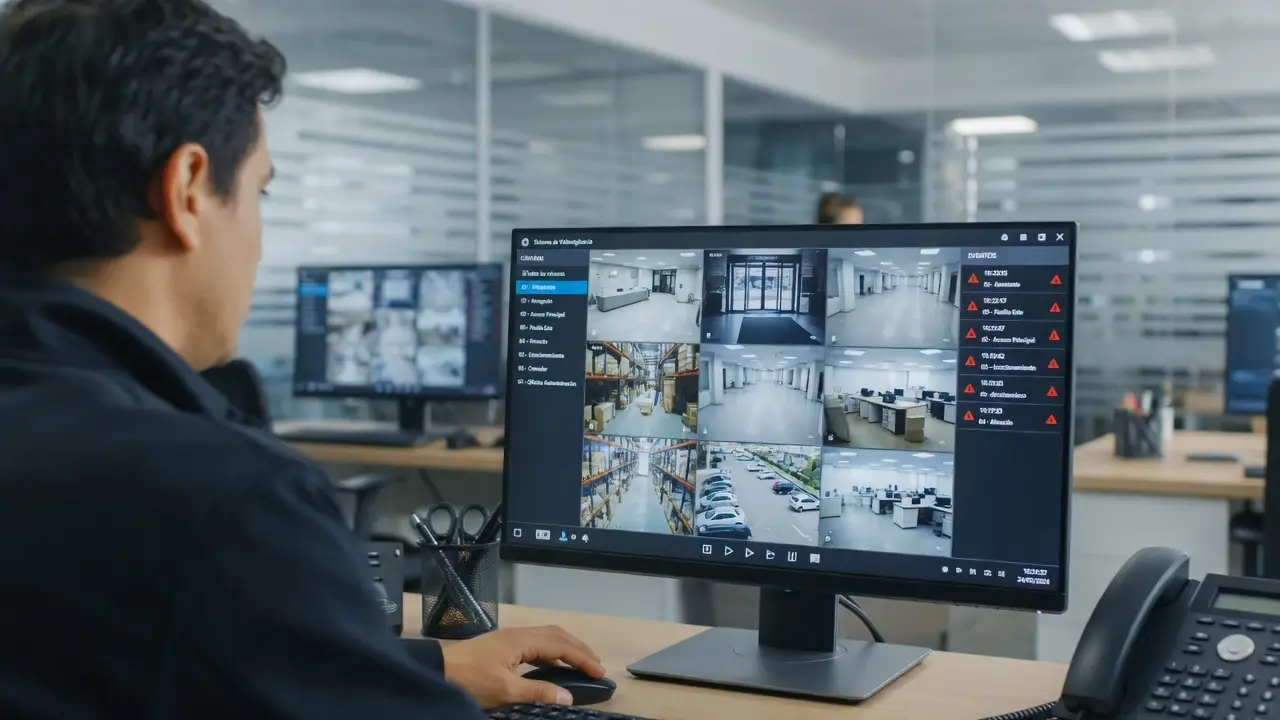
Cameras that record but cannot be reviewed when needed are not a system. The recorder (or NVR) must have enough storage for the retention the business actually needs, and someone must be able to export footage without a support ticket.
Common failure points:
- The recorder is full and overwriting faster than expected
- No one has the credentials to log in
- The cameras and the recorder are on a network that is unreliable
- The original installer is gone and the system cannot be administered
When the credentials are unknown or the original company is no longer available, this is a takeover of the surveillance layer. We check the cameras, the recorder, the storage, and whether the footage can still be retrieved. Replace what cannot be supported. Keep what still records and can be reviewed.
Network and power
Every camera needs a network path and power. In a new build or renovation these are planned with the ceiling and the closet. In an existing space the assessment checks the switches, the cable, and whether the current network can carry the cameras without affecting the rest of the business.
Outdoor and after-hours cameras also need a power path that survives the hours the business is closed. A camera that only works when the lights are on is not covering the period that usually matters most.
Frequently Asked Questions
Do we have to replace the existing cameras?
Not always. Many cameras can stay if the recording path and the credentials are sound. The assessment checks coverage, storage, and whether the system can still be administered.
How long should we keep footage?
It depends on the business and any specific requirements. The design starts with the retention that is actually useful, then sizes the storage to match.
Can cameras work with access control?
Yes. A door event and a camera view of the same entry are complementary. We design them so the log and the recording can be used together.
What if no one can log into the current system?
That is a common starting point. An assessment determines whether credentials can be recovered, whether the recorder can be reconfigured, or whether the system needs to be replaced.
It’s about a full coverage
Video surveillance for a Miami business is not a set of cameras on the ceiling. It is coverage of the doors and areas that matter, storage that keeps the footage long enough, and a way to retrieve it when someone asks. Staff entries, inventory, and after-hours activity are different needs. The system should reflect that, and it should still be supportable after the original installer is gone.
Cameras that do not cover the right places, or a system no one can review?
Request a surveillance assessment. We will tell you what can stay, what needs better coverage or storage, and how it fits with the network and access control.