
Most businesses already have pieces of technology. A camera system from one installer, a door code that never got updated, a Wi-Fi network that struggles when the restaurant is full, and a conference room that requires three remotes.
The problem is not the absence of equipment. It is the absence of a single system that the staff can actually use and that someone can still support after the original company is gone.
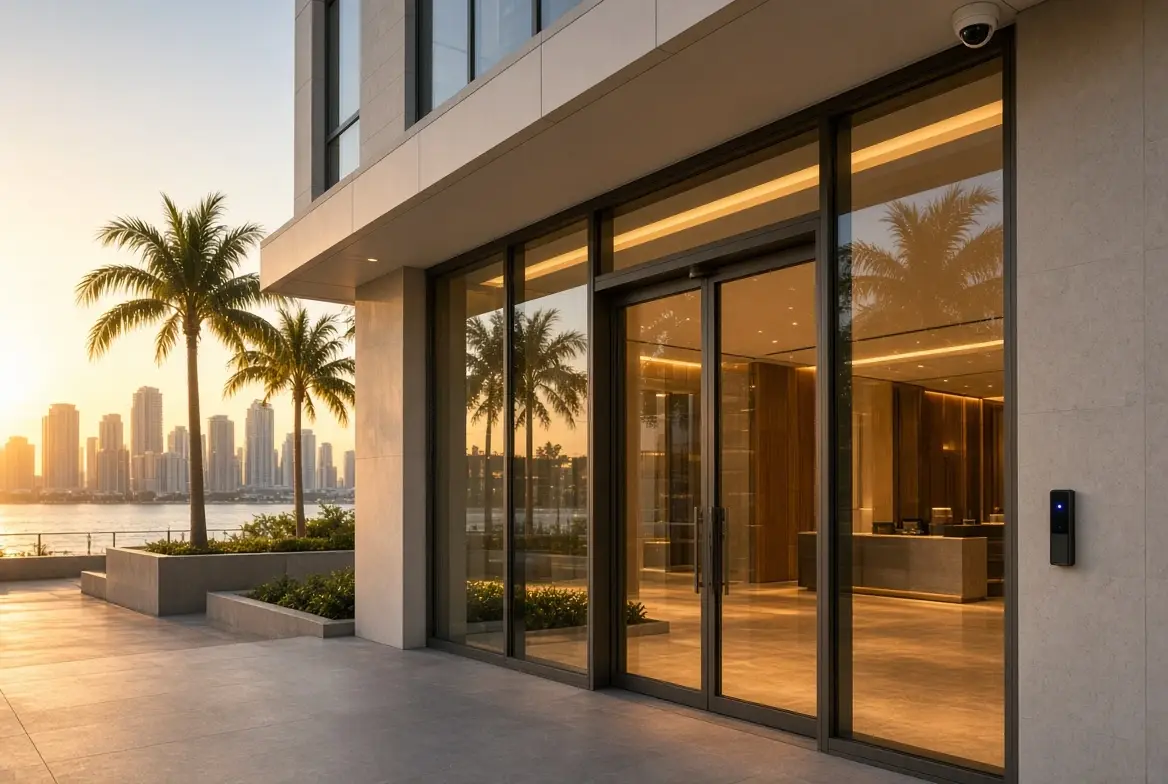
Smart Home Studio designs and installs commercial technology as a coordinated set of systems — access control, video surveillance, network, audio, displays, lighting, and centralized control — for offices, restaurants, hotels, showrooms, and multi-tenant spaces in Miami. The goal is fewer separate systems and a clearer path for support.
What a coordinated commercial system includes
The core services that appear in most projects are:
- Access control — individual credentials, schedules, and a log instead of a shared code
- Video surveillance — coverage of entries, inventory, and after-hours activity with usable retention
- Network and Wi-Fi — a backbone that carries the cameras, the access system, the POS, and the conference rooms without mixing guest traffic into the business systems
- Commercial audio — background music or paging that can be zoned and controlled without a separate app for every room
- Video and digital displays — conference rooms, digital signage, or menu boards that turn on and show the right content
- Lighting control — scenes for open, closed, and after-hours that do not require staff to walk the floor
- Centralized control — one interface (keypad, touchscreen, or app) for the systems the staff actually touch
- IT support and system takeovers — assessment and recovery of installations where the original installer is no longer available
These can be installed individually. They work better when they are designed together. A door event and a camera view of the same entry are more useful together. A conference room that turns on the display, sets the lights, and lowers the shades from one button is used more often than one that requires three steps.
Typical business types in Miami
| Business | Common priorities | Notes |
|---|---|---|
| Offices | Access control, conference rooms, network, lighting | Multi-tenant buildings add shared entry and after-hours rules |
| Restaurants and bars | Staff entry, inventory coverage, background audio, lighting scenes | After-hours and vendor access are frequent points of failure |
| Hotels and hospitality | Guest-facing reliability, staff access, public area audio and lighting | Seasonal occupancy changes the support needs |
| Showrooms and retail | Displays, lighting, restricted back-of-house | The public floor and the inventory area have different rules |
| Multi-tenant or mixed-use | Shared entry, individual suites, common areas | Credentials and cameras must be separable by tenant |
The design starts with how the business operates, not with a catalog of equipment.
New installation vs takeover
New or renovation: Readers, cameras, network, and control are planned with the build-out. Schedules, credential types, and retention periods are decided before the first employee is issued access.
Existing system: Many businesses already have cameras, a door system, or a conference room that no longer works cleanly. The original installer is gone, the credentials are unknown, or the system cannot be administered. In those cases the correct first step is an assessment, not a full replacement. We check what is installed, whether it can still be supported, and what a realistic path forward looks like. Keep what works. Replace what cannot be administered.
How the pieces connect
Access control and video surveillance are complementary. A log of who entered and a camera view of the same door answer different questions. The network carries both, plus the POS, the conference equipment, and the control system. A flat network that places guest Wi-Fi, cameras, and business systems on the same segment is a finding, not a design.
Lighting and audio often share the same control interface. Open and closed scenes, after-hours lighting, and background music zones reduce the number of things staff have to remember. Conference rooms are a frequent place where the pieces meet: display, audio, lighting, and shades controlled from one keypad or touchscreen.
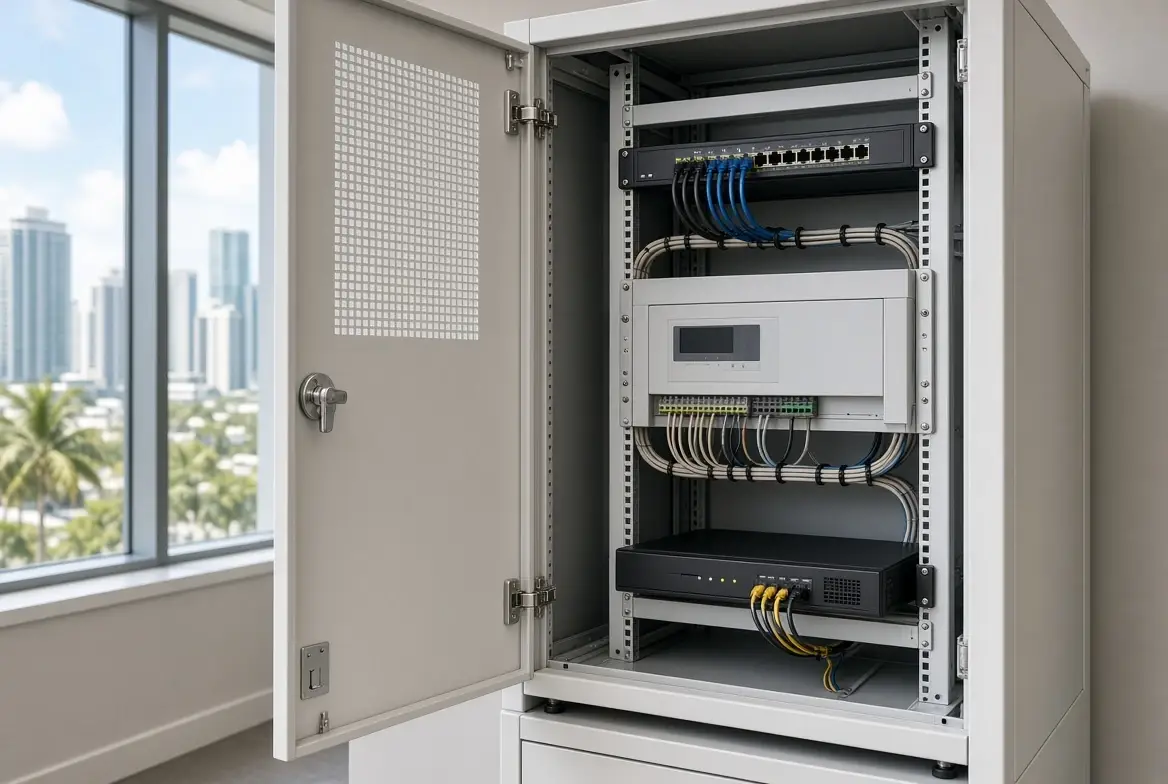
When the original company is no longer available, the same assessment covers the network closet, the recorder, the access panel, and the conference equipment. The goal is a system that can still be administered.
Frequently Asked Questions
Do we have to replace everything?
Not necessarily. An assessment determines what can stay and what needs to change. Many systems can be recovered or partially upgraded.
Can we start with one system (cameras or access) and add later?
Yes. The design accounts for the next system so the network and the control path do not have to be rebuilt.
What happens if the original installer is gone?
That is a common starting point. We assess the existing equipment, credentials, and support path, then recommend keep, reconfigure, or replace.
How does this relate to the residential work?
The platforms and the approach to control are related, but commercial projects prioritize operational reliability, staff access, and supportability over lifestyle scenes.
It’s an integrated (and smart) solution
Commercial technology in a Miami business is not a collection of separate systems. It is access control that can revoke a credential, cameras that cover the doors that matter, a network that carries the business systems, and a control interface the staff can use. New installation or takeover, the useful version is the one that can still be supported after the original company is gone.
Shared codes, cameras that cannot be reviewed, or a conference room that requires three remotes?
Request a commercial assessment. We will tell you what can stay, what needs credentials or coverage, and how the pieces fit together.