
A shared door code is not access control. It is a number that stays in circulation after the person who received it is gone.
The usual commercial problem is simple: people who should enter can, people who should not cannot, and there is a record of both. Offices, restaurants, hotels, showrooms, and inventory areas in Miami all need that distinction. Cleaning crews, vendors, managers, and after-hours staff are not the same permission.
Smart Home Studio designs and installs access control as part of the commercial stack — doors, credentials, schedules, and a log — often alongside cameras, the network, and the control system that already runs lighting or rooms.
What access control actually does
A working system answers four questions:
- Who can open which door
- At what times
- With what credential (card, fob, mobile, code, or biometric where required)
- What the log shows afterward
It does not replace cameras. It works with them. A door event and a camera view of the same entry are more useful together than either one alone. It also does not replace a good network. Controllers, readers, and the software that manages them sit on it.
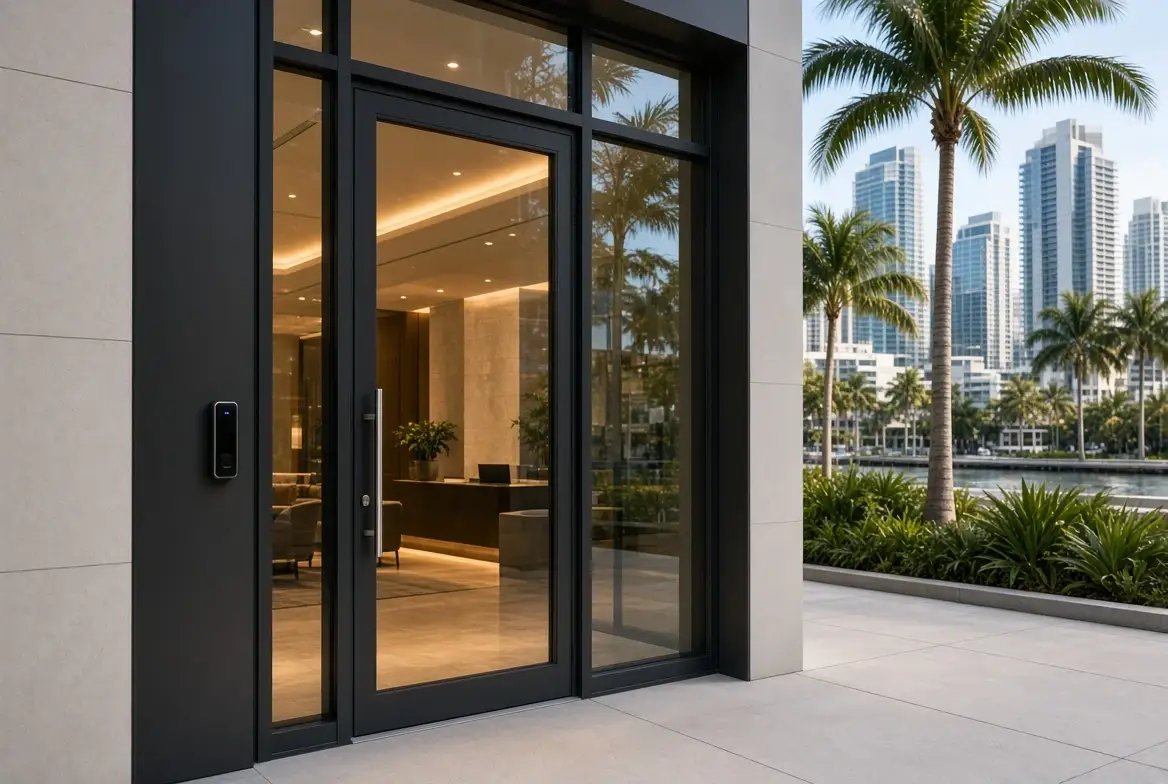
Typical doors and permissions
Most Miami businesses we assess have a short list of doors that matter:
- Main entry and staff entry
- Inventory, server, or restricted rooms
- After-hours or service entrances
- Common areas in multi-tenant or mixed-use spaces
Permissions are not one list. Staff have daily access. Cleaning has a window. A vendor has a temporary credential that expires. A former employee does not keep a code because no one remembered to change it.
Schedules handle the hours. The log handles the question that comes later: who was here.
Credentials that fit the operation
| Credential | Best for | Notes |
|---|---|---|
| Card or fob | Daily staff | Easy to revoke |
| Mobile credential | Managers, frequent users | Depends on the platform and the phone |
| Temporary code | Vendors, short-term access | Must expire |
| Biometric | High-security or specific compliance needs | Higher cost and setup |
A single shared code for the whole building fails the first time someone leaves. Individual credentials with schedules and a revocation path are the baseline.
How it connects to the rest of the building
Access is rarely the only system. In offices it often ties to cameras on entries and inventory. In restaurants and hotels it covers staff doors and restricted areas while guest-facing spaces stay open. In showrooms it can restrict back-of-house while the floor stays public.
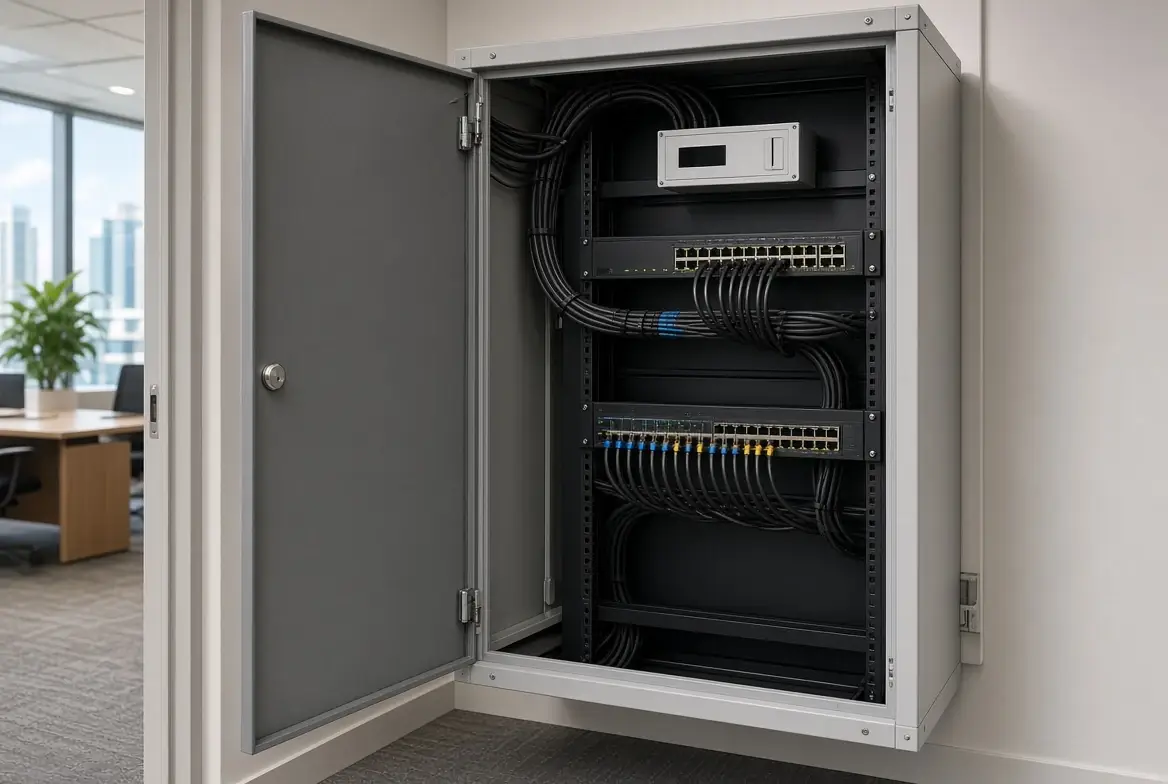
The network carries the controllers and the software. A flat network that mixes guest Wi-Fi, the POS, and the access system is a finding, not a design. The same assessment that looks at doors also looks at the closet and the recorder.
When the original installer is gone and the credentials are unknown, this is a takeover of the access layer. We check the panel, the software, the log, and whether former users were actually removed. Replace what cannot be administered. Keep what still locks and reports.
New install vs existing system
New or renovation: Readers, locks or strikes, power, and network are planned with the doors and the millwork. Schedules and credential types are decided before the first person is issued access.
Existing system: Many businesses already have a panel and readers. The problem is usually the software, the shared code, the missing log, or the fact that no one can log in. An assessment determines what can stay and what must change.
Frequently Asked Questions
Do we have to replace the locks?
Not always. Many existing locks and strikes can stay if the control path is sound. The assessment checks hardware, power, and the panel.
Can we start with a few doors?
Yes. Main entry, staff door, and one restricted room is a common first scope. Expansion is easier when the platform and the network are chosen with that in mind.
What about after-hours and vendors?
Temporary credentials with an expiration date. A permanent shared code for vendors is the usual failure mode.
How does this relate to cameras?
Access events and camera views of the same door are complementary. We design them so the log and the recording can be used together.
A “key” to keep all measured
Access control for a Miami business is not a gadget on the door. It is a clear rule for who enters, when, and with what, plus a log that still exists when someone asks. Staff, vendors, and after-hours access are different permissions. The system should reflect that, and it should still be supportable after the original installer is gone.
Shared codes, missing logs, or a system no one can administer?
Request an access assessment. We will tell you what can stay, what needs credentials and schedules, and how it fits with cameras and the network.