
The meeting is on the calendar. People are in the room. The laptop is open. Nothing appears on the display, or the audio is a room full of itself.
That is the usual commercial call. It is rarely “we need a smarter building.” It is “the room does not start.”
Smart Home Studio designs and installs meeting rooms for Miami offices, showrooms, restaurants with private dining, and hotel suites. The goal is one control path: the call starts, the screen works, the audio is usable, and the lighting and shades do not fight it. The network under the room is part of the job, not a separate vendor.
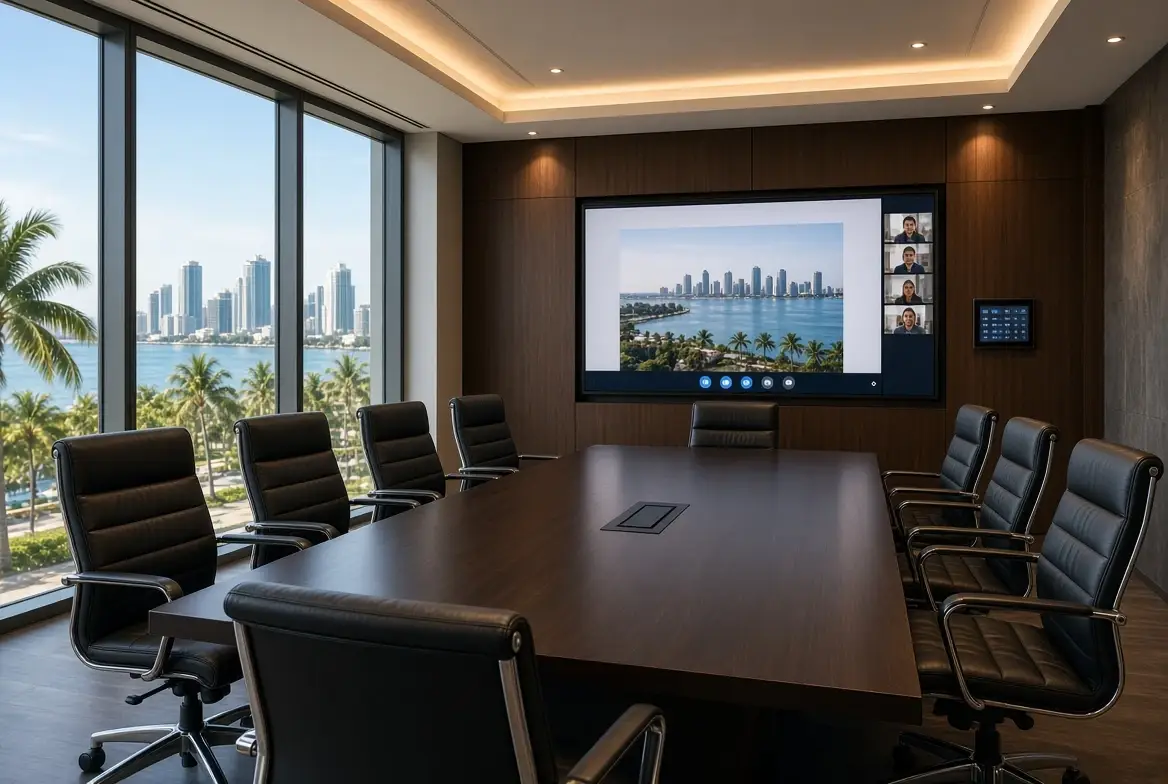
What a room actually needs
A huddle room and a boardroom are not the same spec. Both fail the same way if the path is unclear.
Display. One primary screen the laptop or the room system can hit without a drawer of adapters. Wireless presentation is fine as a second path. Cable is the reliable one.
Audio. Ceiling or table microphones that pick up the people in the room, and speakers that do not create echo for the remote side. A TV speaker in a hard room is a common failure.
Control. One button or one touch that starts the call and sets the scene. Lighting and shades in that same scene, not a second app. If only one person knows the sequence, the room is not finished.
Network. The room system, the display, and the wireless presentation all sit on it. Guest Wi-Fi on the same flat network as the room gear is a finding. A dropped call is often a switch or a cable, not the camera.
Lighting and shades. Afternoon west glass in Miami is a glare problem on the screen. A shade scene that drops with the meeting is part of the room, not a separate shade project.
Huddle vs boardroom
| Huddle | Boardroom | |
|---|---|---|
| Size | 2–6 people | 8+ or client-facing |
| Priority | Starts every time | Starts, looks finished, supports a client |
| Display | One screen, simple | Larger, sometimes dual |
| Audio | Table or ceiling, no echo | Coverage for the full table |
| Control | One-touch call | One-touch call + lighting/shades scene |
| Network | Wired to the room system | Wired, with a clean path for the presenter |
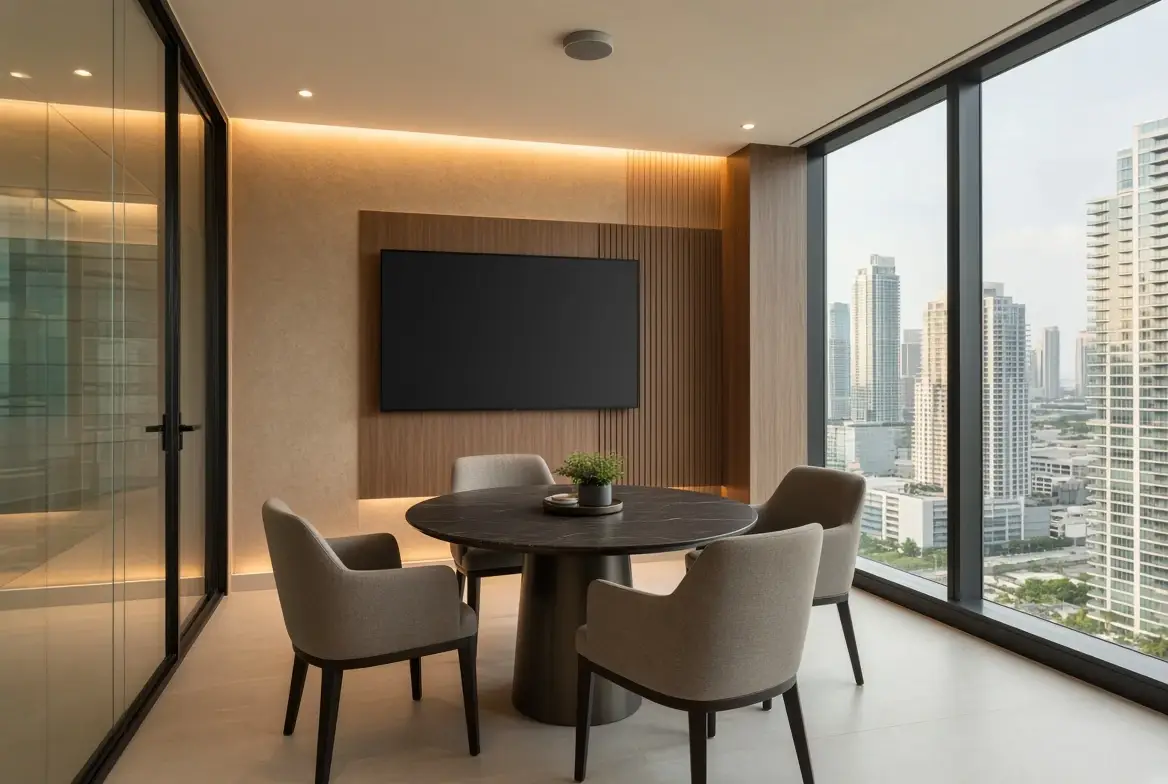
Smaller rooms are where most of the daily meetings happen. Reliability beats theater. Larger rooms need the same reliability plus a scene that does not leave the lights at 100% and the shades open when the client is on the wall.
Why the call fails
The usual causes, in order of how often we see them:
- No wired path. The room system is on Wi-Fi, or the laptop is, and the presentation drops when the office is busy.
- Audio in a hard room. Glass, tile, and no treatment. The remote side hears the room.
- Multiple remotes. Display, soundbar, and a puck, none labeled. Staff guess.
- Lighting left out of the scene. The screen is washed out at 3 p.m.
- No one owns the room. Facilities, IT, and the AV installer each did a piece. The first failure has no clear call.
The 2026 direction in commercial AV is to treat the room as a managed endpoint: uptime, connection quality, and firmware visible before the user complains. A small office does not need a full telemetry platform. It does need a room that starts, a documented path, and someone local who can be called.
What we specify
- A room system or a simple codec that joins Teams, Zoom, or Google Meet without a technician
- One primary display, wired
- Microphones and speakers sized to the room, not the catalog
- A control that starts the call and sets lighting and shades
- Network home-runs and a labeled rack or closet
- Documentation so the next person can start the room
We do not sell a wall of gear for a four-person huddle. We do not leave a boardroom with three remotes and a hope.
Takeover vs new
If the room already exists and only one person can start it, that is a takeover of the room, not a new project. We check the display, the audio path, the control, and the network. Replace the layer that is failing. Leave the display that works.
If the space is being renovated, the room is designed with the electrical and the millwork: cable paths, shade pockets if the glass is the problem, and a control location that is not behind the door.
Frequently Asked Questions
Do we have to use a specific brand of room system?
No. We specify what joins the platforms the company already uses and what we can support. The brand is secondary to the path.
Can one room be fixed without the whole office?
Yes. A single huddle or boardroom is a common scope. The network under it is still checked.
What about restaurants or hotel suites?
Same idea, different scene. Private dining and suites need a display and audio that do not fight the conversation, and a control the staff can run.
How fast can a failing room be usable?
An assessment does not shut the office. Simple path fixes are scheduled. A full redesign waits for the renovation if the space is being rebuilt.
Don’t let your meetings fail
A meeting room fails when the path is unclear. Display, audio, one control, and a network that does not drop the call. Lighting and shades in the same scene when the glass is the problem. Miami offices, showrooms, and hotels do not need another app. They need a room that starts.
Rooms that only one person can start?
Request a room assessment. We will tell you whether it is the network, the audio, the control, or the display.