
Most people who ask for a smart home want fewer decisions, not more. They want the lights to be right when they walk in, the shades to respond to the sun, and the music to follow them outside without opening another app.
The problem is that many installations add complexity instead of removing it. A separate app for lights, another for shades, a third for the thermostat, and a Bluetooth speaker that only works in one room. The house becomes a collection of systems that the household has to manage.
A well-designed system does the opposite. It reduces the number of things you have to remember. Smart Home Studio designs residential systems in Miami so the house handles the routine and the family handles the exceptions.
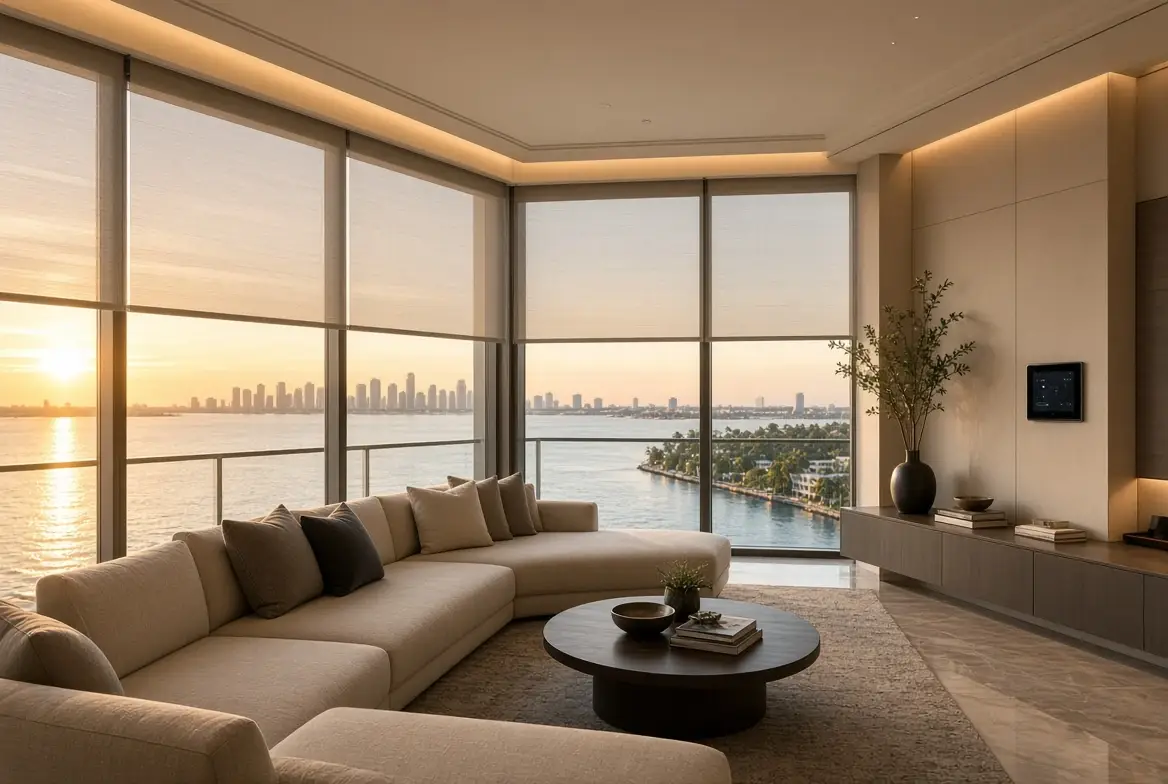
What “stop noticing” actually means
A system you stop noticing has a few consistent behaviors:
-
One or two keypads or touchscreens that cover the scenes the household actually uses
-
Lighting and shades that respond to time of day or a simple button, not a sequence of taps
-
Climate that stays comfortable without constant adjustment
-
Audio that is present when wanted and silent when not
-
A clear “leaving” or “good night” action that handles the rest
The platform (Control4, Savant, or Crestron) is the control layer. The devices underneath are chosen for the room and the climate. The programming makes them behave as one system instead of several.
Common sources of unnecessary complexity
Complexity usually comes from one of three places:
-
Too many separate apps or brands that do not share a common control path
-
Scenes that were never finished, so the household still has to adjust lights and shades manually
-
A system that was installed but never documented or handed over clearly
In Miami homes the sun and the outdoor living add another layer. Shades that only work from one app, or outdoor audio that requires a different remote, become friction the household stops using.
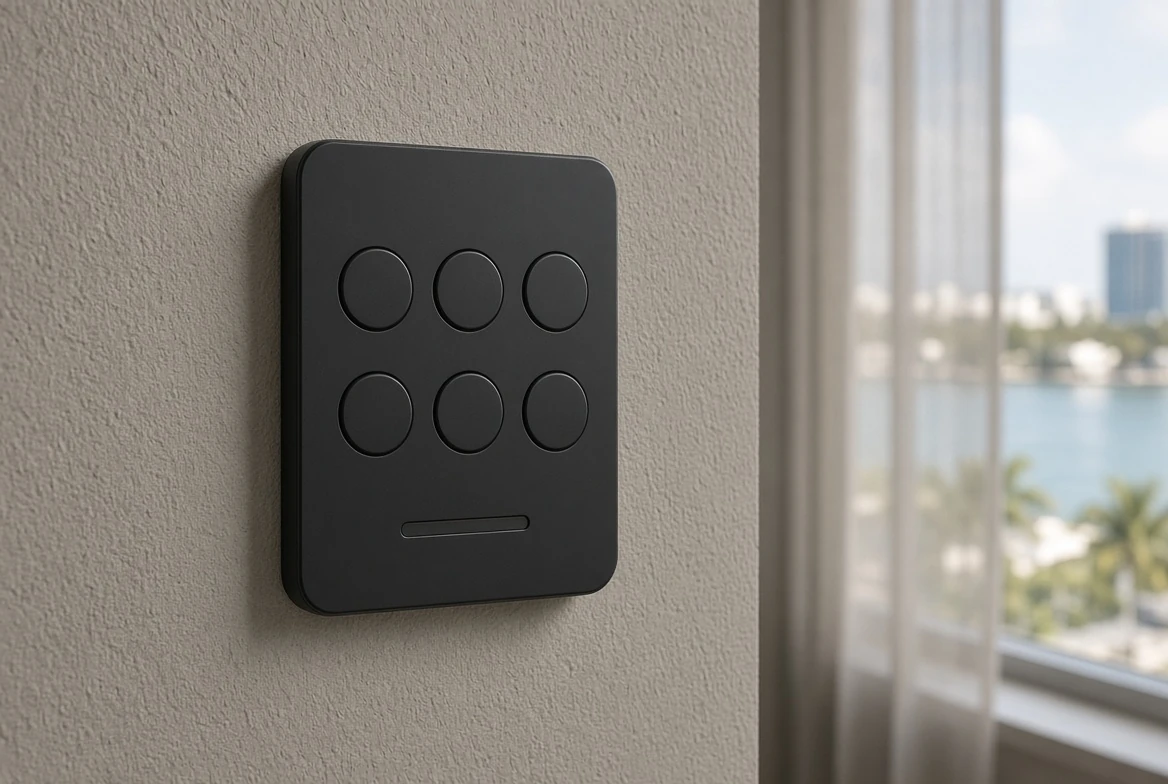
How the house should behave
A practical set of scenes covers most daily use:
-
Good morning — lights and shades open to a comfortable level, climate adjusts
-
Daytime — shades respond to glare on west- or water-facing glass
-
Evening — lights shift, outdoor zones become available
-
Movie or quiet — the media room or living area darkens and quiets
-
Leaving / away — lights, shades, climate, and access settle into a known state
The household should not need a manual to run these. A keypad button or a simple voice command should be enough. If the family needs instructions, the automation is not finished.
New construction vs existing home
In a new build or major renovation the wire, the keypad locations, and the shade pockets are planned before drywall. This is the cleanest path to a system that disappears into the architecture.
In an existing home the assessment checks what is already installed, what can still be supported, and where the friction is. Many systems can be cleaned up and reprogrammed without a full replacement. The goal is the same: fewer decisions for the people who live there.
Frequently Asked Questions
Does this mean the house has no control?
No. It means the routine is handled and the exceptions are easy. You can still override any scene from a keypad or the app.
Which platform is best for this?
Control4, Savant, and Crestron can all deliver it. The difference is the size of the house, the interface preference, and the budget for design and support. The programming quality matters more than the logo.
What if we already have several apps?
An assessment can identify what can be brought under one control layer and what should stay separate. The goal is fewer daily interactions, not a forced migration of every device.
Less clicks, the better
The best smart home in a Miami residence is the one the household stops managing. Lighting, shades, climate, and audio respond to the way the family actually lives, controlled from the same keypad or app. The system is designed so the routine disappears and the support path remains clear.
Want a house that handles the routine?
Book a design review. We will look at how the household uses the home and what a simpler control path looks like.