
In Miami, air conditioning is not optional — it’s a necessity. During the long, hot, and humid summer months, cooling can easily account for 50–60% of your electricity bill. That is why a smart thermostat in Miami is one of the highest-ROI upgrades you can make for your home.
Both Google Nest and Ecobee are excellent options, but they are not identical. Choosing the right one (and installing it correctly) can reduce your cooling costs, improve comfort, and give you remote control from anywhere.
In this 2026 guide we break down the real differences between Nest and Ecobee, how much you can actually save on your FPL bill in South Florida, and why professional installation makes a significant difference in Miami homes.
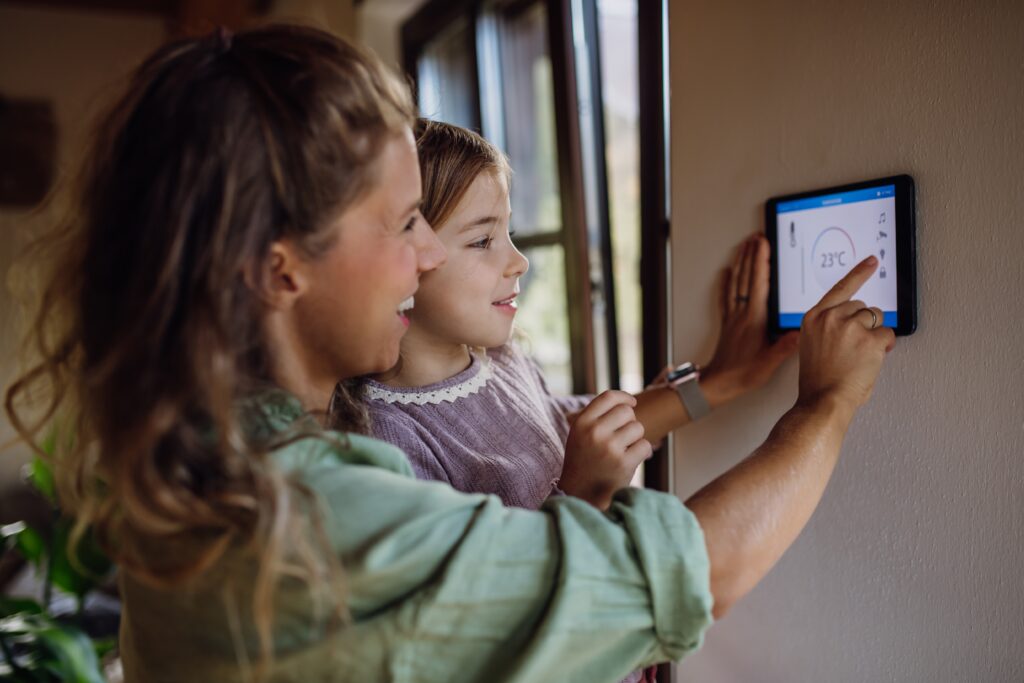
Why Smart Thermostats Matter So Much in Miami
South Florida’s climate creates unique challenges:
- Extremely high cooling demand for most of the year
- High humidity that affects comfort and energy use
- Many homes and condos with multi-zone or older HVAC systems
- Frequent travel (owners want remote monitoring and control)
A basic programmable thermostat helps a little. A true smart thermostat goes further by learning your schedule, using sensors, adjusting for humidity, and allowing remote control — all while optimizing runtime of your air conditioning system.
According to energy tests conducted by FPL in South Florida single-family homes, smart thermostats delivered average savings of around $50 per year on cooling costs alone. In larger homes or properties with higher usage, real-world savings are often higher.
Google Nest Thermostats Overview
- Nest Learning Thermostat (3rd Generation) — the premium, fully learning model
- Nest Thermostat (the more affordable, simpler version)
Key strengths of Nest:
- Excellent learning algorithm that adapts to your habits over time
- Clean, minimalist design that fits luxury interiors
- Strong integration with Google Home / Google Assistant
- Good remote sensors available (Nest Temperature Sensor)
- Reliable app experience
Nest works particularly well for homeowners who want a simple, elegant system that “just learns” without needing a lot of manual configuration.
Ecobee Smart Thermostats Overview
Ecobee’s flagship model is the Smart Thermostat Premium (the one that appears most frequently in high-end installations). Older models like the SmartThermostat with voice control are still common.
Key strengths of Ecobee:
- Comes with a remote room sensor included (very useful in multi-story or larger Miami homes)
- Built-in air quality monitoring on the Premium model
- Excellent humidity control features
- Strong Alexa integration (and also works with Google and Apple HomeKit)
- More detailed energy reports and scheduling flexibility
- Better performance in homes where temperature varies significantly between rooms
Ecobee tends to be the preferred choice when the home has uneven temperatures, multiple floors, or when the homeowner wants more granular control and air quality data.
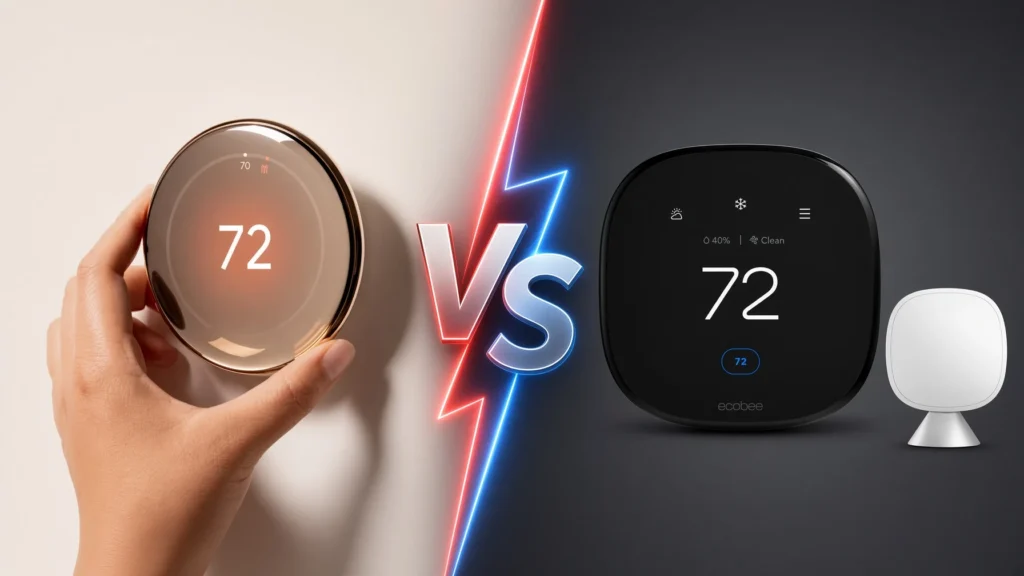
Nest vs Ecobee: Head-to-Head Comparison for Miami
| Feature | Google Nest | Ecobee (Smart Thermostat Premium) | Winner for Miami |
|---|---|---|---|
| Learning ability | Excellent | Very good (more manual options) | Nest |
| Remote sensors | Available (sold separately) | 1 included + expandable | Ecobee |
| Humidity control | Good | Excellent | Ecobee |
| Air quality monitoring | No | Yes (Premium) | Ecobee |
| Design / aesthetics | Cleaner, more minimal | Functional, slightly bulkier | Nest |
| Voice assistants | Best with Google | Best with Alexa (works with all) | Depends on ecosystem |
| Multi-room temperature balance | Good | Better | Ecobee |
| Ease of use | Very simple | Slightly more options | Nest |
| Energy reporting | Solid | More detailed | Ecobee |
Quick recommendation:
- Choose Nest if you want the simplest experience, love the design, and primarily use Google Assistant.
- Choose Ecobee if your home has hot/cold spots, multiple floors, or you want better humidity and air quality features.
Features That Matter Most in South Florida
1. Humidity Management
Miami’s humidity is a major comfort and efficiency factor. Ecobee generally handles humidity control more effectively, which can reduce the feeling of muggy air even when the temperature is already cool.
2. Remote Sensors
Many Miami homes (especially two-story houses or large open-concept layouts) have temperature differences of 3–5 degrees between rooms. Ecobee’s included sensor helps balance this better out of the box.
3. Geofencing & Remote Access
Both systems excel here. You can turn the AC down when you leave and have the house cool before you arrive — very useful for people who travel frequently or have second homes.
4. Integration with the Rest of Your Smart Home
Both Nest and Ecobee work with major platforms (Alexa, Google, Apple HomeKit). If you already have a Control4, Lutron, or Crestron system, both can usually be integrated by a professional.
Professional Installation vs DIY in Miami
While both Nest and Ecobee are marketed as DIY-friendly, professional installation is strongly recommended in South Florida for several reasons:
- Correct wiring and C-wire (common issue in older Miami homes)
- Proper placement of the thermostat and remote sensors
- Configuration for multi-stage or heat-pump systems (very common in Florida)
- Integration with existing smart home platforms
- Ensuring the system is optimized for local humidity and cooling patterns
A poorly installed smart thermostat can actually increase energy use or cause comfort problems. Professional installation avoids these issues and usually includes proper setup, testing, and homeowner training.
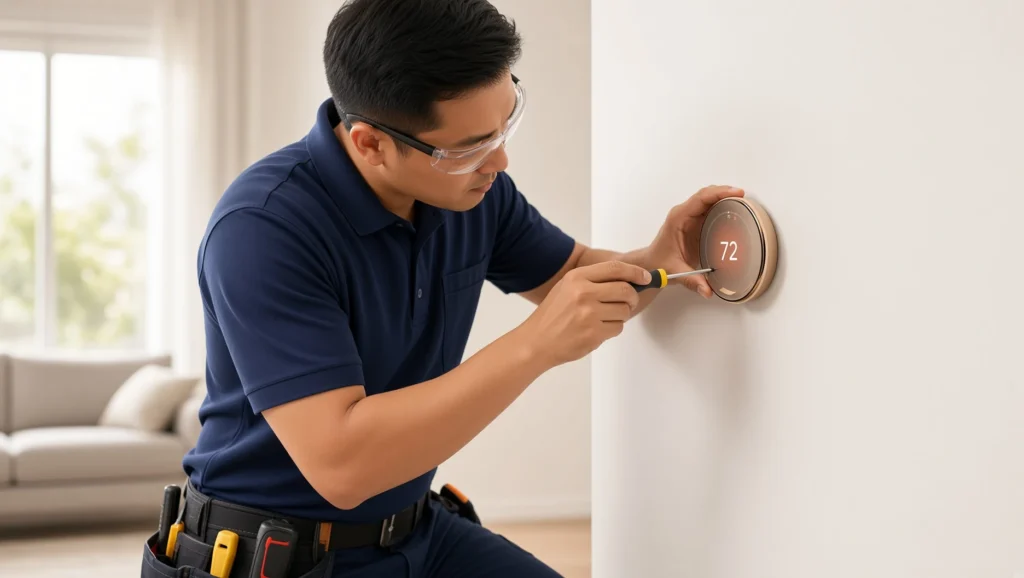
How Much Does a Smart Thermostat Installation Cost in Miami?
Typical installed pricing in the Miami market (2026):
- Nest Thermostat (basic model): $250 – $450 installed
- Nest Learning Thermostat: $350 – $550 installed
- Ecobee Smart Thermostat Premium: $400 – $650 installed
Prices vary depending on wiring complexity, number of sensors, and whether integration with a larger system is required.
Frequently Asked Questions
Will a smart thermostat really save me money on my FPL bill? Yes. FPL testing in South Florida showed average savings of about $50 per year on cooling. Many homeowners with larger systems or less efficient previous thermostats see higher savings.
Do I need a C-wire? Many modern systems require one. A professional installer can determine this and add a C-wire adapter or solution if needed.
Can I control Nest or Ecobee with Alexa and Google at the same time? Yes. Both brands support multiple voice assistants.
Is it worth upgrading if I already have a programmable thermostat? In most Miami homes, yes — especially if you want remote access, better humidity control, or room sensors.
Do you install smart thermostats throughout South Florida? Yes. We provide professional installation across Miami-Dade, Broward, Coral Gables, Brickell, Miami Beach, and surrounding areas.
Conclusion: Choose the Right Thermostat and Install It Correctly
A smart thermostat in Miami is one of the smartest upgrades you can make for comfort and energy savings. Both Nest and Ecobee are excellent — the best choice depends on your home layout, existing ecosystem, and whether you prioritize simplicity (Nest) or advanced sensors and humidity control (Ecobee).
The real difference in results usually comes from professional installation and proper configuration for South Florida conditions.
Ready to lower your cooling costs and improve comfort?
Book a free consultation with our team. We’ll evaluate your current system, recommend the best thermostat for your home, and handle professional installation.
Book Your Free Smart Thermostat Consultation