A smart home or a connected business does not stay “finished.” Platforms change. Devices get new features. Networks get heavier. Security standards move forward. What worked well three years ago can start to feel slow, incomplete, or unreliable today.
That is why system updates and professional optimization are not optional maintenance. They are how a property stays current, efficient, and easy to live or work in.
In Miami and South Florida, this matters even more. Homes and commercial spaces deal with high cooling loads, humidity, outdoor living, guest traffic, and, in many cases, seasonal occupancy. An outdated control system, weak network, or unsupported processor does not just look old. It creates friction every day.
This guide explains the real benefits of updating existing installations — and how a current, professionally maintained system keeps both residences and businesses ahead.
Being Current Is a Performance Advantage
“At the forefront” does not mean chasing every new gadget. It means running platforms that are supported, secure, and capable of doing more with the equipment already in the building.
Recent examples across the industry show how fast the ground moves:
- Crestron Home has added whole-home shading control, new touch screens, improved remotes, better configuration tools, and larger validated system sizes.
- Lighting platforms continue to expand outdoor performance, scenes, and integration.
- Thermostats, cameras, locks, and mesh Wi-Fi systems receive features that improve energy use, alerts, and reliability.
- Voice control, automations, and mobile apps become cleaner when the underlying software is up to date.
A property that stays current can adopt those improvements. A property that does not is stuck with yesterday’s limits.
The Real Benefits of Updating a System
1. Better reliability
Older firmware and neglected processors are a common source of dropouts, unresponsive keypads, cameras that miss events, and lights that lag. Updates plus a proper health check often restore stability without replacing the entire system.
2. Stronger security
Control systems, cameras, locks, and networks are part of the building’s security posture. Unsupported software and aging network gear increase risk. Keeping systems current reduces exposure and keeps remote access on a modern, supported path.
3. More energy control
In Miami, cooling is a major operating cost. Updated thermostats, shading logic, occupancy routines, and scheduling can reduce waste without sacrificing comfort. Commercial spaces gain the same benefit in offices, showrooms, restaurants, and common areas.
4. New features without starting over
Many upgrades unlock capabilities that the original hardware can already support: better shade control, improved touch-screen performance, smarter access codes, cleaner audio routing, richer lighting scenes, or more useful automations. The installation does not always need to be replaced. It often needs to be brought up to date.
5. Compatibility with new devices
When the core platform is current, it is easier to add a new keypad, camera, display, shade motor, or audio zone later. When the core is outdated, every addition becomes a workaround.
6. A better daily experience
The goal is simple: fewer apps, fewer delays, fewer “why is this not working?” moments. Updated systems feel faster and more intentional — at home, in a lobby, in a conference room, or on a patio.
Homes and Businesses Need Different Updates — With the Same Standard
For homes
Typical priorities in Miami residences:
- Lighting and outdoor scenes that still look current
- Climate and shade coordination for heat and glare
- Cameras, locks, and garage control that remain dependable while traveling
- Voice control and automations that the whole household actually uses
- A network strong enough for cameras and streaming at the same time
A home update is successful when the house feels quieter and easier, not more complicated.
For commercial spaces
Offices, showrooms, restaurants, clinics, retail, and hospitality spaces need uptime and a professional impression.
Typical priorities:
- Reliable AV and room control for meetings or service
- Lighting and climate that support comfort and operating hours
- Access, cameras, and scheduling that staff can manage without IT drama
- Systems that can grow if the business adds rooms, displays, or zones
- A support path when something fails before a client walkthrough or event
A commercial update is successful when the space works every day and does not depend on one person who “knows the system.”
Optimization Is Not the Same as Replacement
Many properties do not need a brand-new system. They need a structured optimization.
A professional update typically includes:
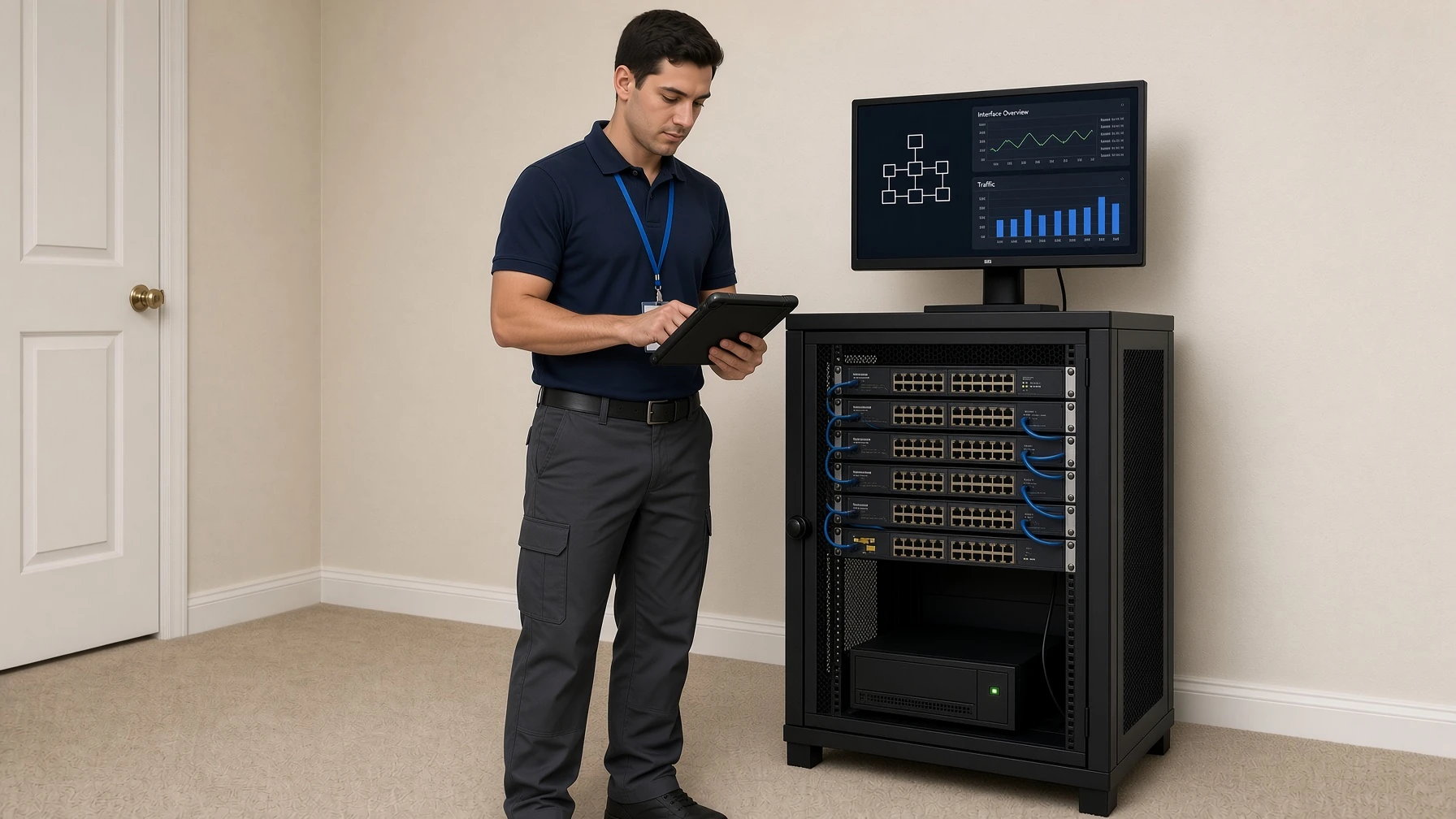
- Assessment — processors, touch screens, keypads, network, cameras, HVAC interfaces, audio, and software versions
- Stabilization — firmware, backups, network cleanup, device replacement only where needed
- Optimization — scenes, schedules, shading logic, climate routines, user interfaces
- Expansion readiness — confirming the platform can accept new devices cleanly
- Training and documentation — so the homeowner or staff can use the system without guesswork
This is the difference between “someone installed gadgets years ago” and “the installation is being actively improved.”
Signs an Installation Is Due for an Update
- Keypads, apps, or touch screens feel slow
- Some lights, shades, or rooms no longer respond consistently
- Cameras or locks drop offline
- The Wi-Fi struggles when several devices run at once
- New equipment cannot be added without custom workarounds
- Only one person knows how the system works
- The processor or app is several generations behind
- Energy use or comfort feels worse than it should
If two or more of these are true, the system is no longer operating at its potential.
What “Ready to Improve an Existing Installation” Should Mean
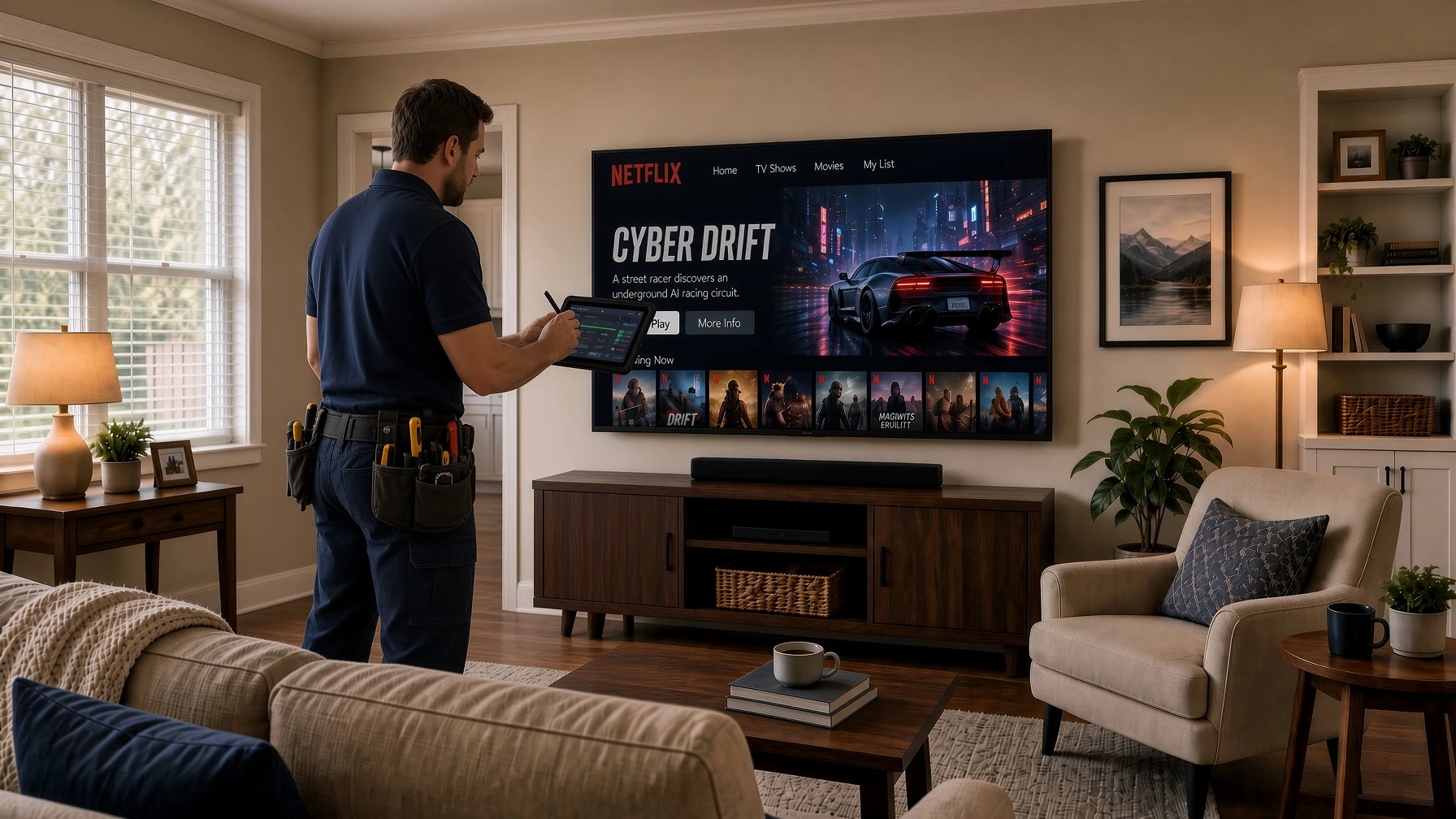
A company at the forefront is not only selling new projects. It is prepared to take over, evaluate, and improve systems already in place.
That includes:
- Residential Crestron, Control4, Lutron, lighting, climate, and network systems
- Consumer-to-pro mixed systems that grew over time
- Commercial meeting rooms, lighting control, and distributed audio
- Properties that changed owners and need the system documented again
- Homes or businesses that want better performance from equipment they already paid for
The value is practical: protect the original investment, remove friction, and bring the installation in line with current standards.
Recommended Approach for 2026
Do this first
- Audit the processor, network, and user interfaces
- Update supported software and replace only what is obsolete
- Fix the foundation (Wi-Fi, switches, power, backups) before adding more devices
Then improve the experience
- Rebuild the scenes people actually use
- Coordinate lighting, shades, and climate
- Simplify control for family members, guests, or staff
- Add only the devices that close a real gap
Then keep it current
- Schedule periodic system reviews
- Document changes
- Plan upgrades around platform releases, not emergencies
That is how an installation stays modern instead of slowly decaying.
Frequently Asked Questions
Will an update force me to replace everything?
Usually no. Many projects improve dramatically with software updates, network work, interface upgrades, and selective hardware replacement.
How often should a system be reviewed?
A yearly professional review is a strong baseline. Commercial spaces and large homes may need it more often, especially after renovations or staff changes.
Can you optimize a system installed by someone else?
Yes. Existing installations can be inspected, documented, updated, and improved, provided the platform is still supportable.
Is this only for luxury Crestron homes?
No. The same principle applies to lighting systems, thermostats, cameras, mesh Wi-Fi, and commercial AV. The scale changes. The need for current, supported software does not.
Do updates help with energy costs in Miami?
Yes. Current climate control, shading automation, occupancy logic, and scheduling are some of the highest-ROI improvements in South Florida.
Stay Current, Then Make the System Better
Technology in a home or business should not become a museum of old apps and forgotten remotes. The advantage in 2026 belongs to properties whose systems are supported, optimized, and ready for the next improvement.
Updating an installation protects reliability, security, comfort, and the original investment. Optimizing it goes further: it makes the space easier to use and ready for new capabilities.
If a house or commercial space already has a system in place, the smartest next step is not always a full replacement. It is a professional review that brings the installation up to current standards and then improves it.
Have an existing system that needs an update or a tune-up?
Book an assessment. We can inspect the installation, identify what should be updated, and outline a clear plan to optimize the home or business without unnecessary replacement.