Buying smart lights, thermostats, cameras, and locks is only the first step. The real value of a smart home appears when those devices work together automatically — without you having to open multiple apps or give constant commands.
Smart home automations and reliable voice control turn a collection of devices into a system that responds to your lifestyle. In Miami, this means lights that adjust for evening patio time, climate that prepares the house before you arrive, security that arms itself when you leave, and simple voice commands that just work.
This 2026 guide explains how automations and voice control actually deliver value in South Florida homes, which platforms work best, and why thoughtful professional setup makes a major difference.
Automations vs Voice Control: What’s the Difference?
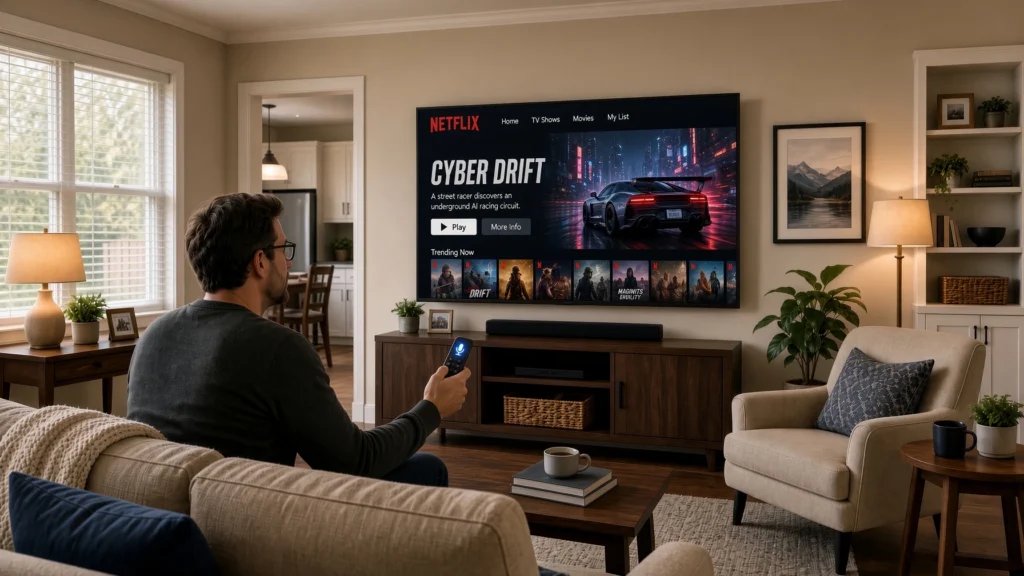
Voice control lets you give commands:
- “Alexa, turn on the patio lights”
- “Hey Google, set the temperature to 74”
- “Siri, lock the front door”
Automations (also called routines or scenes) happen without you saying anything. They are triggered by time, location, sensors, or device status.
Examples:
- When the last person leaves the house → lights turn off, thermostat adjusts, security arms
- At sunset → outdoor and pathway lights turn on
- When a Nest Cam detects a person at the front door after 9 p.m. → entry lights turn on
- Every weekday at 7:00 a.m. → bedroom lights gradually brighten and the thermostat begins cooling
The best smart homes use both: automations handle the routine work, while voice control gives you quick manual overrides.
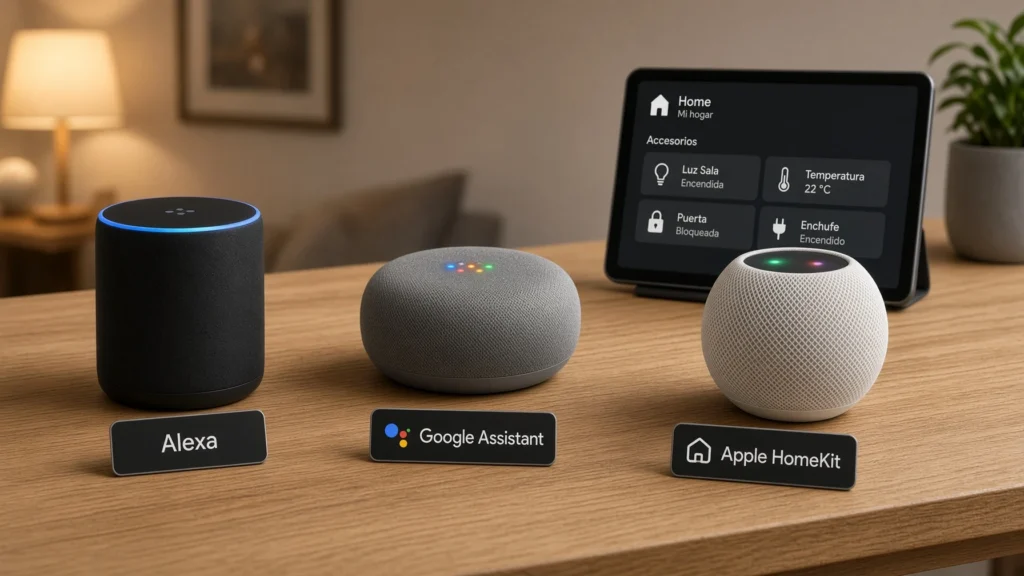
Voice Assistants for Miami Homes
Amazon Alexa
Still the most widely used voice platform in residential smart homes. Strong compatibility with Philips Hue, Ecobee, Nest (via skill), MyQ, smart locks, and most mesh WiFi systems. Echo devices also serve as good intercoms and announcement hubs.
Google Assistant
Excellent if you already use Nest cameras, Nest thermostats, and Google services. Natural language performance is strong, and the Google Home app has improved significantly for routines.
Apple HomeKit / Siri
Preferred by homeowners who prioritize privacy and already live in the Apple ecosystem. HomeKit support has expanded, and many premium devices (including certain Philips Hue setups, locks, and thermostats) work well. Requires compatible hardware and often a HomePod or Apple TV as a hub.
Practical recommendation: Most Miami households do well with Alexa or Google as the primary voice system. HomeKit is ideal when the entire family is committed to Apple devices and privacy is a top concern. Professional integrators can often make multiple platforms work together when needed.
High-Value Automations for Miami Lifestyles
Here are practical automations that deliver real daily benefits in South Florida:
Arrival & Departure
- Geofencing detects when you arrive → thermostat returns to comfort mode, select lights turn on, and the system disarms
- When everyone leaves → lights turn off, thermostat sets to eco mode, cameras become active, and garage/doors are checked
Outdoor Living & Entertaining
- Sunset → patio, pathway, and pool area lights activate at a warm brightness
- “Entertainment” scene → outdoor lights, accent lighting, and music zones activate together
- Motion in the backyard after dark → pathway lights raise temporarily
Comfort & Energy
- Temperature and humidity triggers that keep the home comfortable without over-cooling
- Schedule-based adjustments that reduce runtime during peak FPL rate periods when applicable
- Ceiling fans or lights coordinated with thermostat activity
Security & Peace of Mind
- “Goodnight” routine → locks doors, closes the garage, dims lights, and arms cameras
- Person detected at the front door at night → entry light turns on and optional notification is sent
- Smoke/CO alert from Nest Protect → lights turn on to help with exit paths
Hurricane & Travel Readiness
- Ability to run an “Away / Storm” mode that adjusts climate, enables cameras, and confirms critical devices are online
- Remote verification that doors, garage, and locks are secure
These automations work best when the underlying devices (lights, thermostats, cameras, locks, and strong WiFi) are already reliable.
Scenes, Routines, and Advanced Automations
- Scenes – One-tap or one-command settings (e.g., “Patio Evening,” “Movie Time,” “All Off”)
- Routines – Multi-step sequences triggered by voice, time, or location
- Advanced automations – Logic that combines multiple conditions (time + presence + sensor + device status)
Consumer apps (Alexa, Google Home, Home app) handle basic and intermediate routines well. More complex logic, multi-system integration, or refined timing often benefits from professional programming — especially when mixing Philips Hue, Nest, Lutron, MyQ, and other platforms.
The Role of Professional Setup
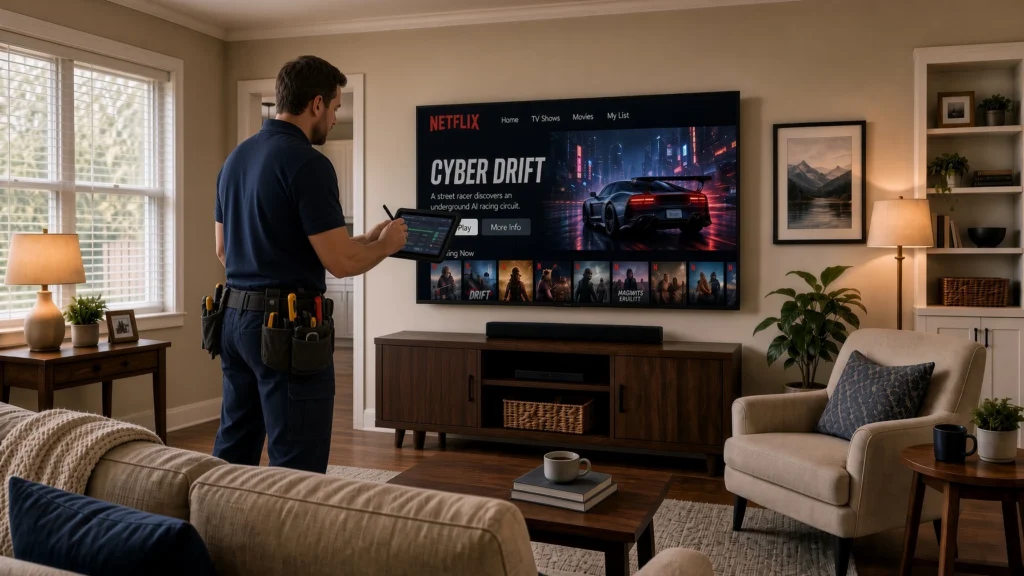
Many homeowners create basic routines themselves. Professional automation design adds value when you want:
- Reliable geofencing and presence detection
- Clean, well-named scenes that the whole family actually uses
- Coordination between lighting, climate, and security
- Reduced false triggers and notification fatigue
- Integration across different brands and ecosystems
- Documentation so the system remains understandable over time
In short, professional help turns a collection of working devices into a cohesive experience.
Cost Considerations
Automation programming costs vary according to complexity:
- Basic routine and scene setup: often included or modest when part of a larger installation
- Intermediate multi-device automations: typically a few hundred dollars
- Advanced or multi-system programming: higher, depending on scope
The highest return usually comes from a focused set of reliable automations rather than dozens of rarely used ones.
Frequently Asked Questions
Do I need a hub for good automations? It depends on the devices. Philips Hue works best with its Bridge. Many locks, thermostats, and cameras operate via the cloud. Professional systems may use additional controllers for higher reliability.
Which voice assistant is most reliable in Miami homes? Alexa and Google Assistant both perform well. Reliability depends more on WiFi quality and correct device setup than on the assistant itself.
Can automations work when the internet is down? Some local automations continue (especially with certain hubs and Thread/Matter devices). Cloud-dependent features pause until connectivity returns. This is another reason strong local networking matters.
Will automations make my system more complicated? Poorly designed ones can. Well-designed automations reduce daily friction. The goal is fewer decisions, not more.
Do you create custom automations for clients in South Florida? Yes. We design and program automations as part of professional smart home installations across Miami-Dade, Broward, and surrounding areas.
Conclusion: From Connected Devices to a Home That Responds
Individual smart devices are useful. Thoughtful automations and reliable voice control are what make a home feel genuinely intelligent.
In Miami, the highest-value automations support real lifestyle patterns: arriving home to comfort, effortless outdoor entertaining, simple security, and energy-aware climate control. When these routines are designed around how you actually live — and supported by solid WiFi and properly installed devices — the daily experience improves dramatically.
Ready to make your smart home actually work for you?
Book a free consultation. We’ll review your existing devices (or help you plan new ones), design practical automations, and set up reliable voice control tailored to your household.