
When the internet drops in a Miami home, the usual reaction is to assume the whole smart home stopped working. That is rarely true.
There is a difference between a failed internet connection, a failed local network, and a power cut. A well-designed system keeps the routines that matter inside the house even when the outside connection is gone. Smart Home Studio designs residential systems so the keypad still controls the lights, the shades still respond, and the climate still holds while the internet is out.
Three different failures
| Failure | What usually still works | What usually stops |
|---|---|---|
| Internet only | Local keypads, wall controls, local schedules, Zigbee/Z-Wave/Matter devices on a local hub | Remote access from outside, cloud voice, notifications that need the internet |
| Local network (router/Wi-Fi) | Physical switches, some direct device controls, battery-powered sensors | Most Wi-Fi devices, app control on the phone |
| Power | Battery-backed devices and mechanical overrides | Almost everything that needs power |
The useful question is not “does the smart home work?” It is “which parts still work and from where?”
What keeps working locally
Most professional platforms (Control4, Savant, Crestron) run the core logic on hardware inside the house. When the internet is down but power and the local network are up:
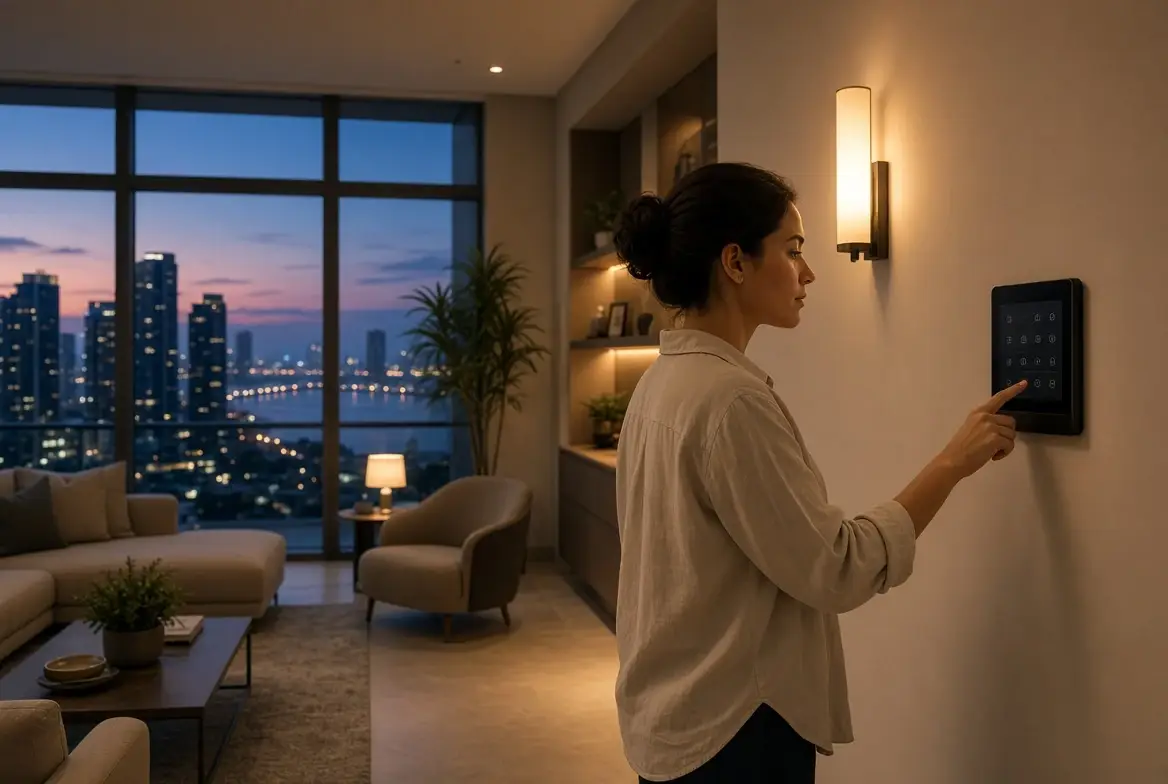
- Wall keypads and touchscreens still control lighting, shades, and scenes
- Local schedules continue (good morning, evening, away)
- Thermostats with local control keep the set schedule
- Multi-room audio that is driven by local amplifiers or a local source continues in the zones that are already playing
- Door locks with local keypads or credentials still operate
What typically stops is remote access from the phone when you are away, cloud-dependent voice commands, and any automation that needs outside data (weather, geofencing, cloud calendars).
Designing for the outage
The difference between a system that fails gracefully and one that becomes a collection of dead devices is decided at design time:
- Prefer local control for lighting, shades, climate, and audio
- Keep physical or keypad overrides for critical functions
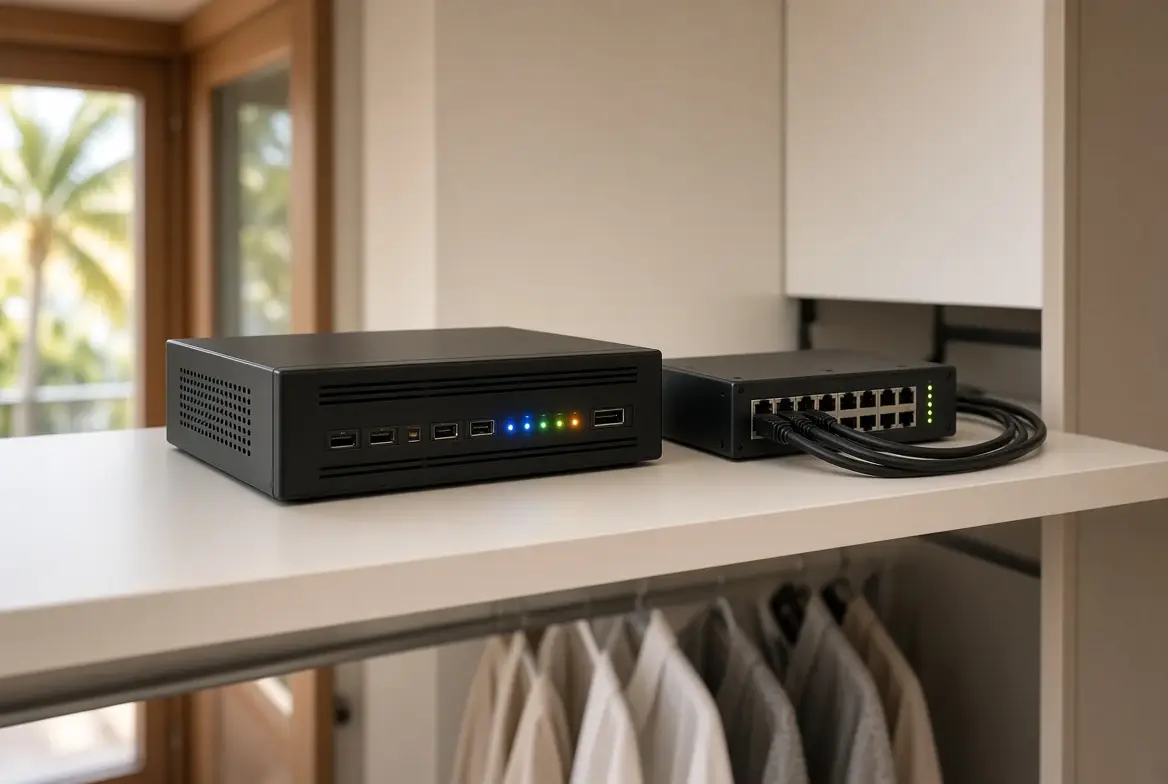
- Place the control processor and the network gear on a UPS if outages are frequent
- Document which functions require the internet so the household knows what to expect
In Miami, where short internet outages and longer storm-related power events both happen, this distinction matters. The house should still be livable when the connection is not.
Frequently Asked Questions
Will my Control4 / Savant / Crestron system still work?
Yes for local control from keypads and touchscreens inside the house, as long as power and the local network are up. Remote access from outside requires the internet.
Do smart lights stop?
It depends on the protocol. Zigbee, Z-Wave, and properly configured Matter devices on a local hub usually keep working. Pure cloud Wi-Fi devices often do not.
Should I add a UPS?
For the control processor, the main switch, and the modem/router, yes if outages are common. It keeps the local system alive during short events.
The house that still works when the connection does not
A smart home designed for Miami should not require the internet for the routines the household uses every day. Keypads still open the shades, local schedules still run, and the climate still holds. Remote access and cloud features can wait. The useful system is the one that remains livable when the outside connection is gone.
Want to know what still works in your current system?
Book a resilience review. We will map which functions are local and which depend on the internet.